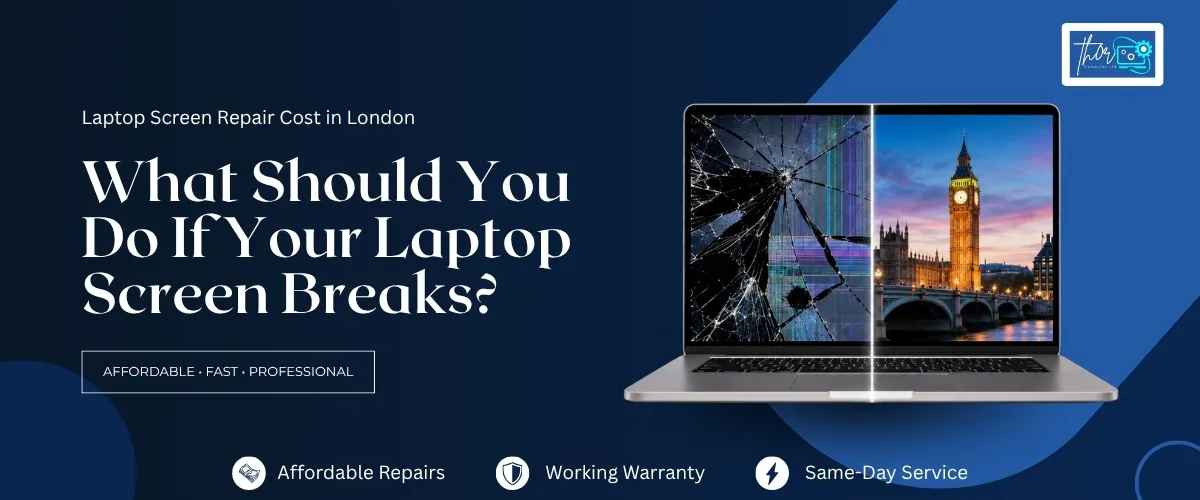
If your laptop screen is cracked, flickering, or showing lines? The first question is almost always the same: how much will it cost to fix? The honest answer is that laptop screen repair cost depends on several things. The size and type of your display, your laptop’s brand, whether it has touchscreen glass and how easy the part is to source. This guide walks through what actually drives the price of laptop screen repair in London. What to expect at each stage and how to tell whether repairing your screen is the right call.
How much does laptop screen repair cost in London?
Laptop screen repair in London typically ranges from budget-friendly for standard LED/LCD panels on common brands, up to significantly more for touchscreens, high-refresh gaming panels, and MacBook Retina displays. The exact laptop screen repair cost depends on your laptop’s make, model and screen type.
The price depends on the screen size, resolution and technology. Standard 15.6″ laptops with an LCD or LED panel typically cost around £85–£150 for parts and labour. Budget 13″ or 14″ laptops might be on the lower end (~£80–£110). Premium models (high-res ultrabooks or gaming laptops) can run £130–£250 or more, especially if they use IPS or OLED panels. For example, one London repair shop notes that high-end gaming displays or 4K panels can cost £180–£350+ to replace. MacBook Retina (Air/Pro) screens are more expensive: roughly £180–£400 depending on the generation. Touchscreen devices (like Microsoft Surface) also carry a premium, often £180–£300. In all cases, the final quote requires diagnosing your exact model and damage.
What Affects Laptop Screen Repair Cost?
Several factors drive the price of a screen replacement:
- Display size & resolution: Larger screens (17″ vs 15″) use more material. High resolutions (QHD/4K) cost more to source than standard HD/1080p.
- Panel technology: IPS or OLED panels are pricier than older TN/LCD panels. OLED (as in some gaming and premium laptops) and Apple Retina screens are at the top end.
- Touchscreen vs non-touch: Touchscreens include an extra digitiser layer. Replacing a touch panel typically adds £50–£150 over a non-touch repair. It’s a more complex assembly and needs calibration, so expect higher labour.
- Laptop brand/model: Common brands (Dell Inspiron, Lenovo IdeaPad, HP Pavilion, Acer Aspire) have widely available screens, keeping costs moderate. Premium business or gaming laptops (e.g. Dell XPS, Lenovo ThinkPad X1, HP EliteBook, ASUS ROG, MSI) often use specialised panels that cost more. Microsoft Surface laptops are notorious: they use unique 3:2 touchscreen panels which are hard to source and expensive to fit. Apple MacBooks also use proprietary Retina assemblies, so genuine replacements are costly.
- Parts quality (OEM vs compatible): Genuine (OEM) screens match original specs and have better colour and brightness. Cheaper “compatible” or aftermarket screens may save money but often have poorer image quality and reliability. Always ask if the repair shop uses OEM parts and what warranty they offer.
- Extent of damage/related parts: If the laptop’s hinge, bezel, or casing is damaged, extra work is needed. For example, a cracked screen from a broken hinge may require replacing the hinge and bezel too. That will add labour and parts costs.
- Labour and urgency: London technicians’ labour rates contribute to the cost. Quick turnaround or same-day service can incur a rush fee (PC Macgicians mentions a £40 surcharge for same-day fitting). In general, expect 1–3 hours of tech time for a straightforward screen swap.
Signs Your Laptop Screen Needs Replacing
Laptop screens don’t heal themselves. Here are common warning signs:
- Cracked or shattered glass: Visible cracks or large chips in the glass mean the display must be replaced.
- Lines or bars on the display: Vertical or horizontal black/coloured lines (or “tearing” across the screen) often indicate panel damage.
- Flickering or blank screen: If the image blinks on and off, flickers, or the screen goes completely black (even though the backlight is on), the screen or its cable is likely failing.
- Distorted or discoloured image: Patches of the screen may look blotchy, discoloured, or have “bleeding” shadows. Dead (unresponsive) or stuck (always on) pixels also count. A failing panel often shows flickering, dead pixels, or colour issues.
- Touchscreen unresponsive: On a touchscreen laptop, if taps/glides don’t register or do the wrong thing, the digitiser may be broken (and often the whole assembly needs replacing).
- Physical damage or liquid exposure: A bent frame, loose hinges, or evidence of spills may have damaged the screen internally. (A good technician will check hinges and internal connectors too.)
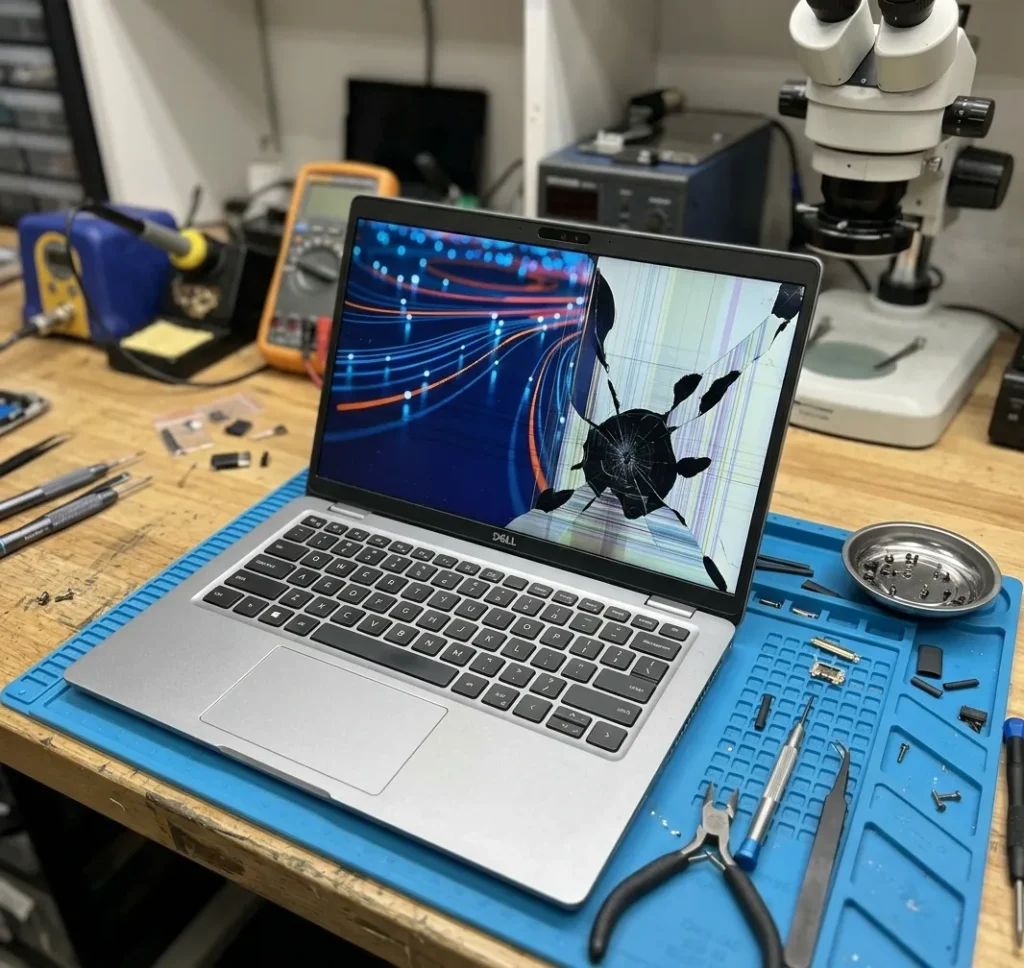
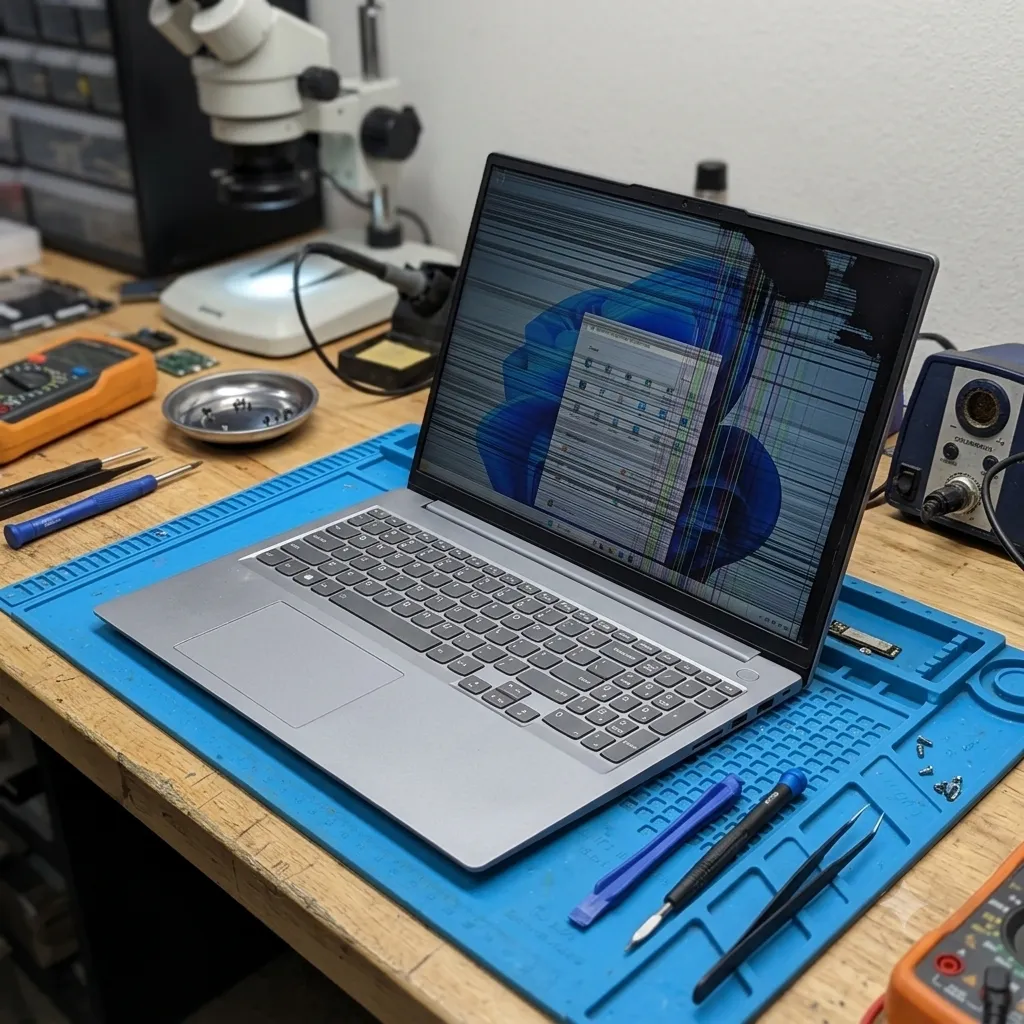
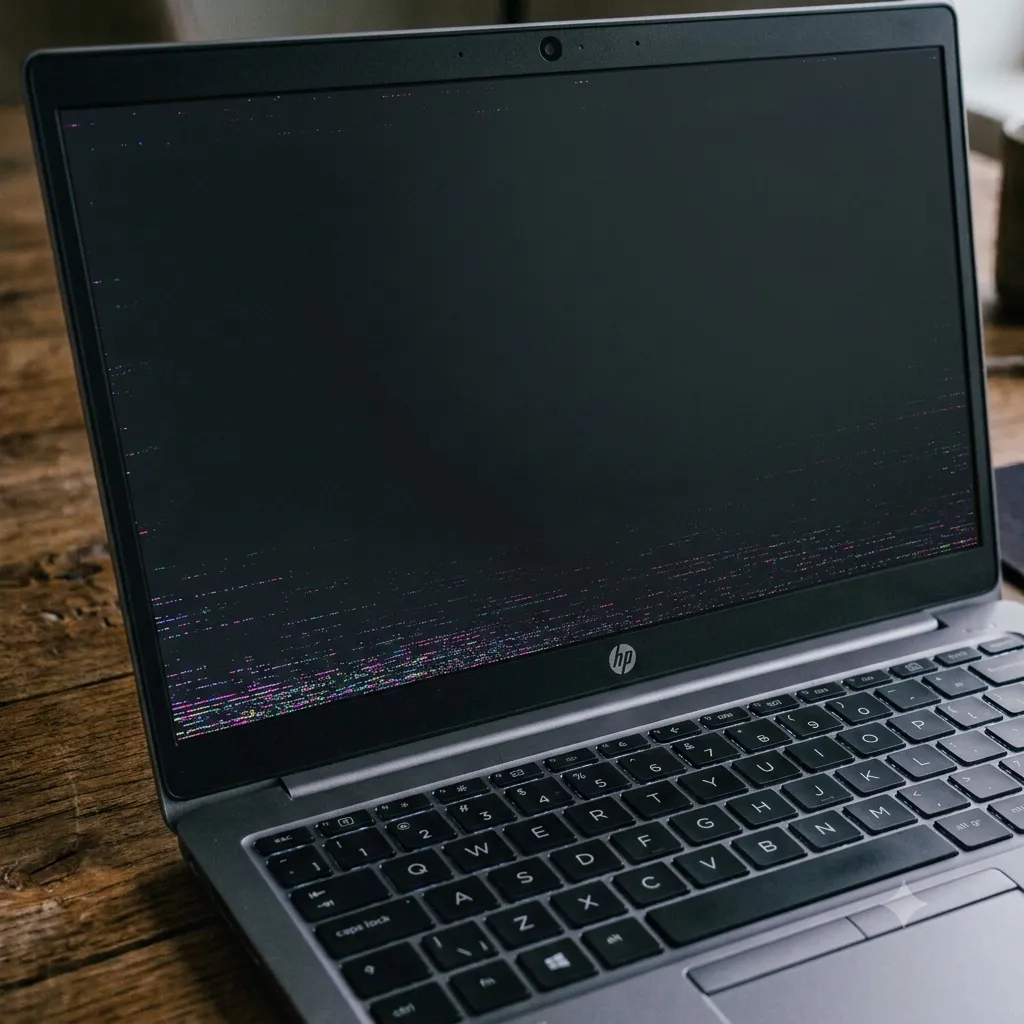
If you see any of these symptoms, it’s time for a professional assessment. Do not ignore cracks or flickering – continued use can spread damage.
Laptop Brands We Repair
Thor Computer services screens for all major laptop brands. Different brands have their quirks:
- Dell (Inspiron, Latitude, XPS, Alienware): Most Inspiron and Latitude laptops use standard screen sizes that are widely available and easy to replace. XPS models often feature slim InfinityEdge or 4K displays, while Alienware gaming laptops use premium high-refresh panels, making replacements more expensive. Typical cost: Standard Inspiron/Latitude £85–£150; XPS/Alienware £150–£250.
- HP (Pavilion, Envy, Spectre, EliteBook, Omen, ZBook): Standard Pavilion and many Envy laptops use common Full HD panels, making repairs relatively affordable. Premium Spectre, OLED/4K Envy, ZBook, and Omen gaming laptops require higher-end display panels, increasing replacement costs. Typical cost: Standard models £80–£150; Spectre, ZBook, Omen, and premium Envy £150–£250+.
- Lenovo (ThinkPad, IdeaPad, Yoga, Flex): ThinkPad and IdeaPad models generally use widely available LCD panels. Yoga, Flex, and ThinkPad X1 Carbon models often feature touchscreen, 2K, or 4K displays that are more expensive to replace. Typical cost: Standard ThinkPad/IdeaPad £80–£150; Yoga, Flex, and X1 Carbon £150–£250+.
- ASUS (VivoBook, ZenBook, ROG, TUF): Mainstream VivoBook laptops use standard panels that are straightforward to replace. ZenBook OLED models and ROG/TUF gaming laptops feature high-resolution or high-refresh-rate displays, which cost more. Typical cost: VivoBook £90–£120; ZenBook OLED £130–£180; ROG/TUF gaming £150–£220.
- Acer (Aspire, Swift, Predator): Aspire laptops typically use common LCD screens that are easy to source. Swift ultrabooks often have premium IPS displays, while Predator gaming models use high-refresh-rate panels that are more expensive. Typical cost: Aspire £85–£120; Swift £130–£200; Predator up to £250.
- MSI (Gaming Series): MSI gaming laptops commonly use premium IPS or OLED displays with high refresh rates, making them among the more expensive Windows laptop screens to replace. Typical cost: £180–£300.
- Samsung, Toshiba & Huawei: These brands generally use standard LCD panels in most consumer laptops, with replacement costs similar to Dell and HP models of comparable specifications. Typical cost: £90–£200, depending on screen size and resolution.
- Microsoft Surface (Surface Pro, Laptop, Book): Surface devices use proprietary 3:2 touchscreen displays with fused digitizers, making them delicate and significantly more expensive to replace. Parts often need to be specially ordered. Typical cost: £180–£300.
- Apple MacBook (MacBook Air & MacBook Pro): MacBooks use Retina displays (IPS or OLED on newer models), and replacements usually require the entire display assembly (lid and screen). These are among the most expensive laptop screen repairs. Typical cost: MacBook Air £150–£200; MacBook Pro Retina/XDR £250–£400+, depending on the model and year.
- Gaming Laptops (Alienware, ROG, Predator, MSI, Omen, etc.): Gaming laptops often feature high-resolution IPS or OLED panels with refresh rates of 120Hz, 144Hz, 240Hz, or higher. These premium displays are the most expensive to replace. Typical cost: £180–£350+, depending on the brand and specifications.
Brand-specific notes: Business laptops often have tougher frames but use standard LCDs. MacBooks use laminated glass (harder to replace). Surface devices often come as one fused piece. But at Thor Computer London we stock a wide range of panels and our techs have experience with each brand’s quirks. This enables us to provide fast, reliable service and some of the best laptop screen repair costs in London without compromising on quality.
Repair vs Replace
This is one of the most common questions we get, and it deserves an honest answer rather than a sales pitch.
Is it cheaper to repair or replace a laptop?
In most cases, repairing a laptop screen is cheaper than replacing the whole laptop unless the laptop is already old, underpowered, or has other significant faults alongside the screen. Screen repair is generally worth it when the rest of the laptop is in good working order.