
Written by Michael Mau: Founder & CEO, Thor Computer Ltd. Cisco-certified IT engineer. 20+ years in hardware diagnostics, data centre operations, and system support. Serving London homes and businesses since 1999. Meet the Author →
Table of Contents
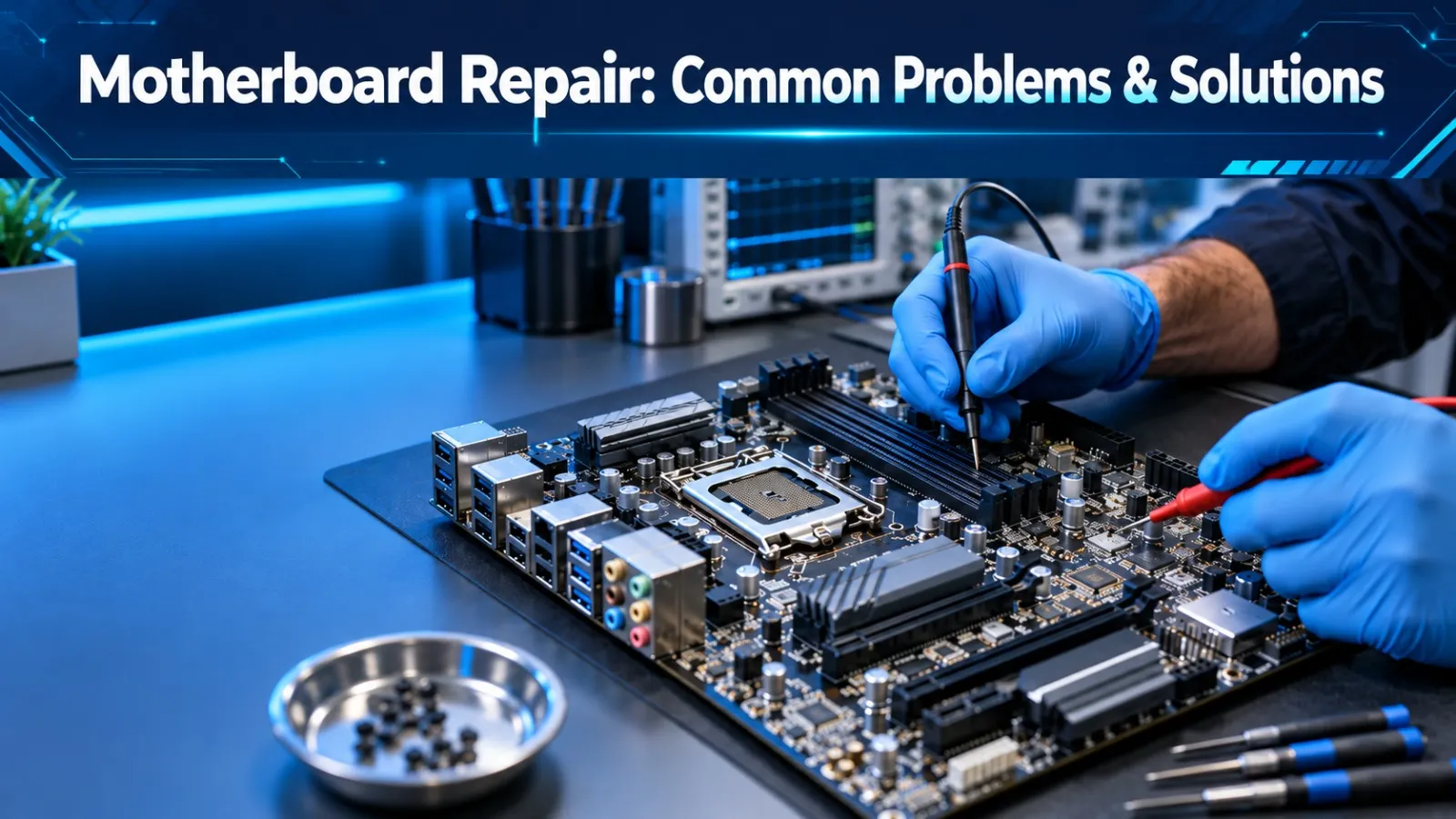
A computer motherboard is a vital component that connects the processor, RAM, storage devices, and other hardware. When it develops a fault, a laptop or desktop computer may fail to start, restart unexpectedly, or experience connection problems. Professional motherboard repair can help identify these faults and determine whether the existing board can be repaired.
This guide covers common motherboard problems, possible causes, diagnostic methods, repair options and practical maintenance tips for computer users.
What Motherboard Repair Involves?
Motherboard repair focuses on diagnosing and correcting faults in a computer’s main circuit board. These faults may affect charging, power delivery, USB ports, memory connections, display output and communication between hardware components.
Depending on the damage, a technician may repair a connector, replace a faulty electronic component, or correct a specific circuit problem. In severe cases, replacing the entire board may be more practical.
Both laptop motherboard repair and desktop motherboard repair require careful testing. A computer that fails to start does not automatically have a faulty motherboard, so other components should be checked before choosing a repair solution.
What Common Motherboard Problems Affect Computers
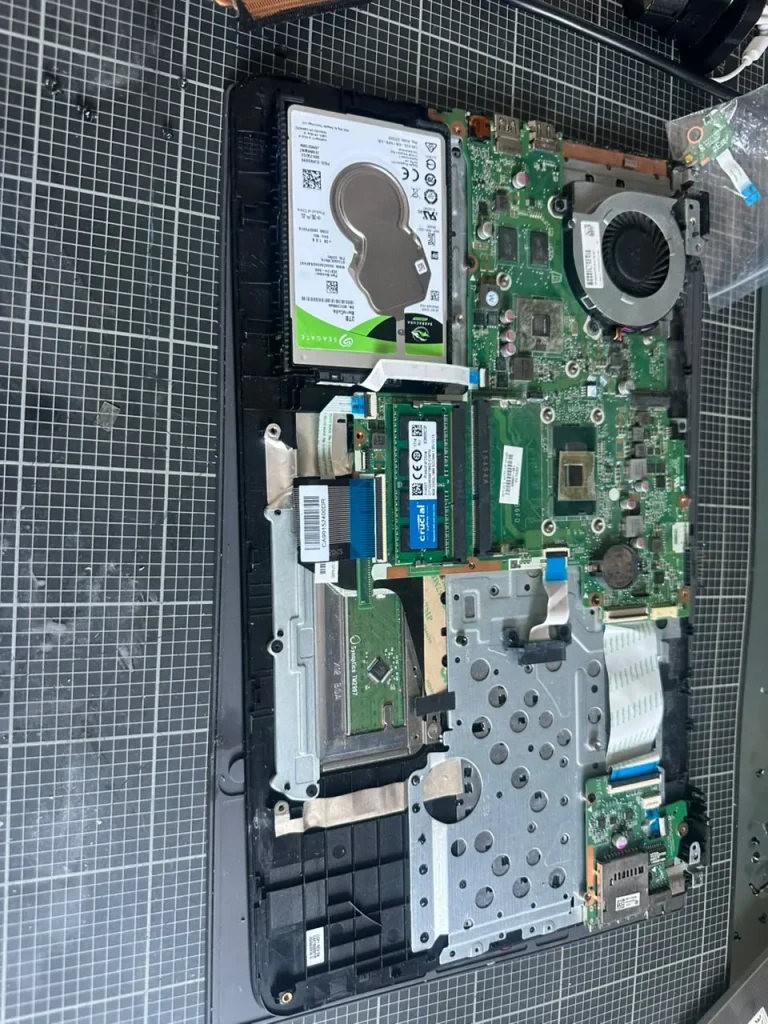
Motherboard faults can cause different symptoms depending on the affected circuit or connection. Recognising these signs can help users explain the problem clearly when seeking professional assistance.
Why Computers Fail to Turn On?
A computer that does not respond to the power button may have a faulty power supply, damaged charging port, battery issue, or motherboard fault. External connections and compatible power equipment should be checked first. If the problem continues, a technician can test the relevant components to identify the cause. Accurate diagnosis helps prevent unnecessary motherboard replacement.
Why Unexpected Shutdowns Occur?
Repeated shutdowns and restarts may result from overheating, unstable power delivery, memory problems, or motherboard-related faults. Software issues can also contribute to unexpected restarts. Checking system temperatures and testing the hardware can help narrow down the cause. Persistent problems may require a professional inspection.
What Causes Display and Connection Failures?
A computer may turn on without displaying anything on the screen. Possible causes include faulty RAM, graphics hardware, a damaged display cable, a monitor issue, or a motherboard problem. Similarly, USB ports or other connections may stop working because of damaged connectors or internal circuitry. Testing the affected components helps determine whether the issue involves an individual connection or the motherboard.
What Burning Smells and Visible Damage Indicate?
A burning smell, visible scorch marks, or evidence of liquid exposure may indicate an electrical fault. Stop using the computer and disconnect its power source if it is safe to do so. Repeatedly powering on a damaged device may worsen the problem. A qualified technician should inspect the computer before further use.
What Causes Motherboard Damage?
Several factors can contribute to motherboard failure, including environmental conditions, electrical problems and physical damage.
Overheating: Dust buildup, blocked ventilation and faulty cooling fans can cause excessive heat. Prolonged overheating may affect electronic components and reduce hardware reliability.
Component deterioration: Electronic components may fail over time. A fault in a small power-related component can sometimes prevent the entire computer from starting.
Physical damage: Dropping a laptop, applying pressure, or mishandling internal components can damage the motherboard and its connectors.
Liquid exposure: Water, tea, coffee and other liquids can cause corrosion or short circuits. Internal damage may develop even if the computer continues operating immediately after a spill.
Power fluctuations: Unstable electricity, defective chargers and power supply problems can affect sensitive electronic components. Compatible power equipment and suitable surge protection may reduce certain electrical risks.