
Is your laptop running hot and making loud noises? Overheating and fan noise are common problems that can affect your device’s performance. At ThorComputer, we specialize in laptop fan replacement and cooling solutions, ensuring your laptop runs quietly and efficiently.
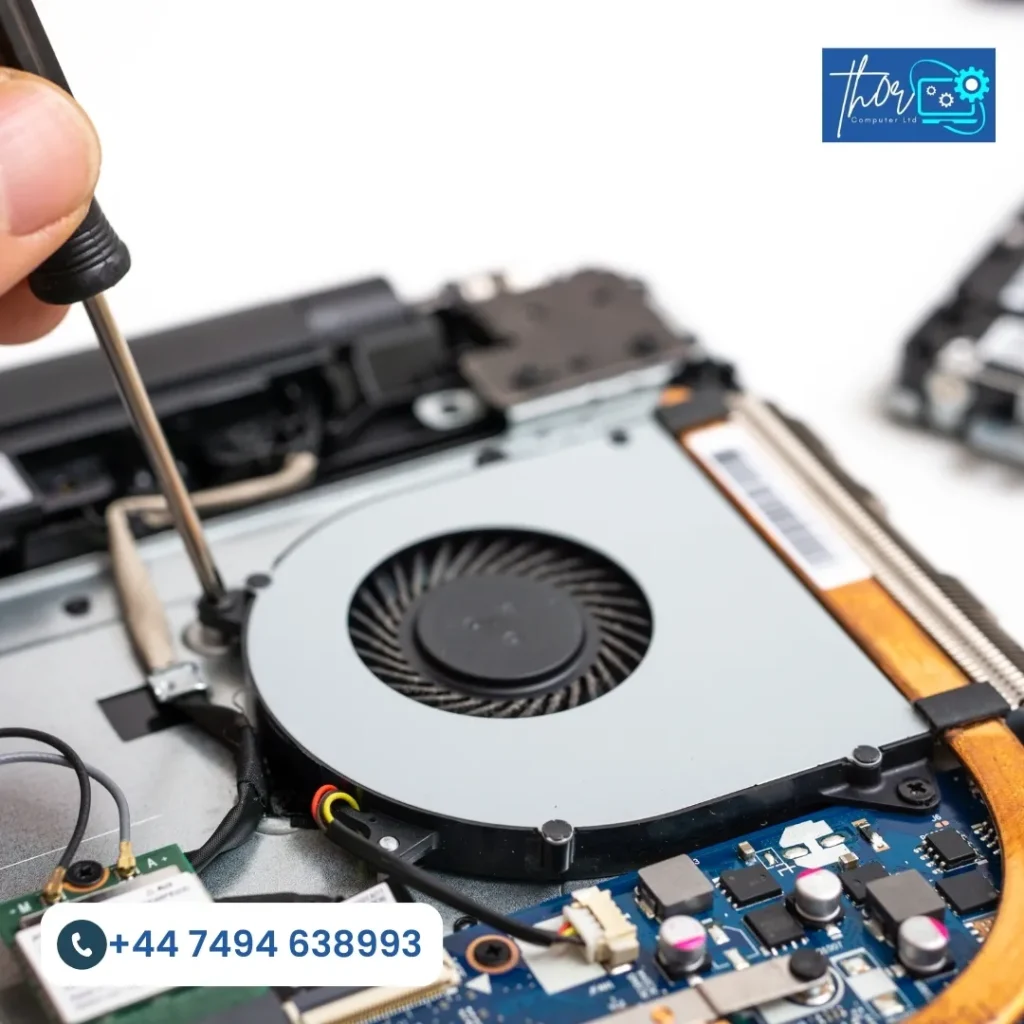
Your laptop fan plays an important role in keeping your device cool. It removes heat from the processor and other internal parts so your system can run smoothly. If the fan stops working properly, it can cause an overheating laptop, laptop and PC slow performance, laptop sudden shutdowns and even serious hardware damage. In many cases, a timely laptop fan replacement can prevent bigger and more expensive problems.
One common reason for cooling system issues is dust buildup. Over time, dust collects inside the laptop and blocks the fan and air vents. This reduces airflow, forcing the fan to spin faster and work harder, which can lead to noise and overheating. Cleaning sometimes helps, but if the fan is already weak or damaged, a laptop fan replacement is the best solution.
Another reason is worn-out or damaged fan parts. After years of use, the fan motor can become weak and start making grinding, rattling or buzzing sounds. When this happens, the cooling system cannot control heat properly, increasing the risk of internal damage. Replacing the fan restores proper airflow and protects your laptop from overheating issues.
Older laptops are also more likely to develop cooling problems. As internal components age, they generate more heat and the fan may lose efficiency. If your device frequently overheats or shuts down, it may be time to consider a professional laptop fan replacement to keep your system running safely and reliably.
If your laptop is overheating or making excessive noise, we provide the following services to fix the issue:
Laptop Fan Replacement: We replace your old or malfunctioning fan with high-quality parts to restore efficient cooling.
Cooling System Cleaning: Our technicians remove dust and debris from your cooling system to improve airflow and reduce overheating.
Thermal Paste Reapplication: We reapply high-performance thermal paste to ensure optimal heat transfer from your laptop’s CPU.
Upgraded Cooling Solutions: For users running intensive applications or games, we provide upgraded fans and additional cooling systems for better heat management.
The cost of replacing your laptop fan depends on the brand, model, and type of fan needed. On average, you can expect to pay between £30 to £100 for the replacement, with additional costs for cleaning or thermal paste reapplication.
EXCELLENT Based on 38 reviews
 Posted on Google
 ChazzaBazzaGazzaPosted on Google
 Prashant Srivastavavery professional, replaced screen in less than 30 minutes!Posted on Google
 above ucAll Good. ThxPosted on Google
 Heather BarkerWhen i realised my laptop just wasnt working i reached out to Mike. Best thing i could have done. He arrived within a couple of hours and quickly diagnosed the problem. Sorting out a solution wasnt easy but his patience, perseverance and expertise came to the fore. And all is well now thank youPosted on Google
 Ronny LavieMy laptop stopped booting for no reason. I had really important, irreplaceable documents on it. Mike got them back for me, then also managed to fix my laptop without wiping the drive, which I didn't think was possible.Posted on Google
 Rob ShortmanI had tried to install some new RAM on my machine - which worked, but when I screwed the base back on it had completely died. Mike slogged his way through the heat to fix it in no time - and I am so very grateful!Posted on Google
 Keith TaylorLaptop graphic repair internet speed and updatesPosted on Google
 louis FallenPerfect and professional service No time wasting and straight to the point Guided me through the whole processPosted on Google
 Patrick Marrero
Trustindex verifies that the original source of the review is Google.
I hired this company to fix my computer, they did come to collect and work on it. However we had a verbal agreement that they would accept payment when the job was done. I tursted them and paid them early as the issue seemed simple by their explination. In the end they had to contaxt the manufacture to use the warrenty, which i could do myself. I arranged the warrenty meaning Thor Computer LTD did not finish the job, and when I asked for a partial return of my money they said no. If you hire them please have in writing any payment agreement and do not give them money until your work is done.Posted on Google mark caswellVery professional job
We provide high quality computer laptop repair services to ensure your devices are up and running efficiently. Below are some of the most frequently asked questions.
The cost ranges from £30 to £100, depending on your laptop’s model and the complexity of the repair.
A loud fan usually means your laptop is overheating or the fan is clogged with dust. It might also indicate that the fan’s components are worn out.
It’s best to clean your laptop fan every 6-12 months to prevent dust build-up and maintain optimal cooling performance.
If you’re technically inclined, you can replace the fan yourself, but we recommend professional service to avoid any damage during the process.
Yes, if your laptop’s fan fails to cool the device properly, it could cause overheating, which might damage internal components.