

Data recovery is the process of trying to recover files that have been deleted, corrupted or made inaccessible because of a storage, software or computer problem.
A file recovery service may be needed when a hard drive stops appearing. There were many reasons for this, such as a laptop no longer starting, a device being formatted by mistake, a file system becoming corrupted or important files disappearing after a system failure. In some cases the problem is logical, which means the storage device may still be physically working. But the computer cannot correctly read its files. In other cases the storage hardware itself may be failing.
The right recovery method depends on the symptoms. A deleted folder on a working drive is very different from a hard drive that clicks or repeatedly disconnects. This is why an assessment matters before recovery attempts begin. The more important the data is, the more careful you should be about trial-and-error fixes that could overwrite files or worsen a failure.
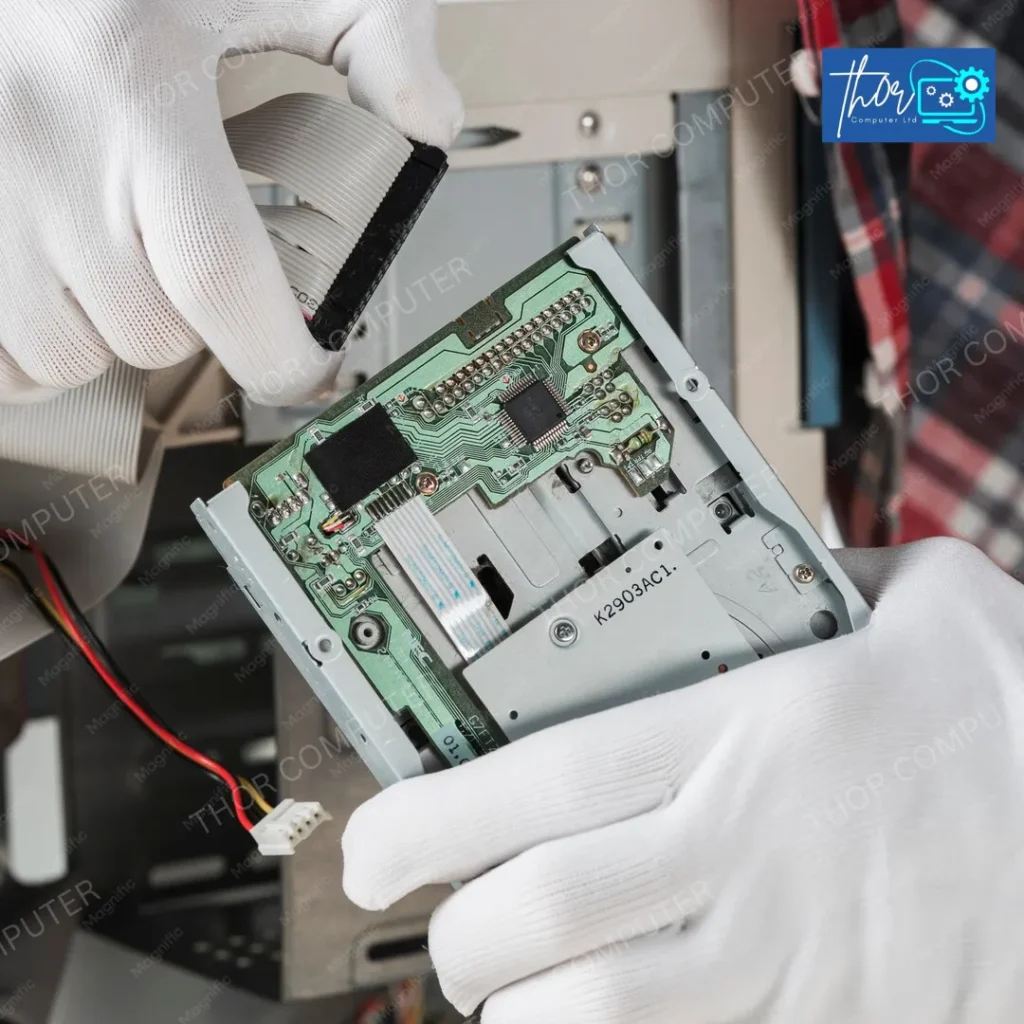
Many different file types may be recoverable, depending on the storage device, the cause of the loss and whether the original data is still present. Examples include personal documents, family photos, videos, coursework, emails, spreadsheets, project files, financial records, business documents, databases and other important files.
Photos, videos, documents, downloads, archives and other files stored on a personal computer or drive.
Spreadsheets, presentations, projects, coursework, research files and documents needed for work or education.
Business documents, shared files, records, databases and other operational data where loss can interrupt day-to-day work.
Different storage technologies fail in different ways, so the first step is identifying the device, the symptoms and what happened immediately before the data became inaccessible.
(Logical or physical failure)
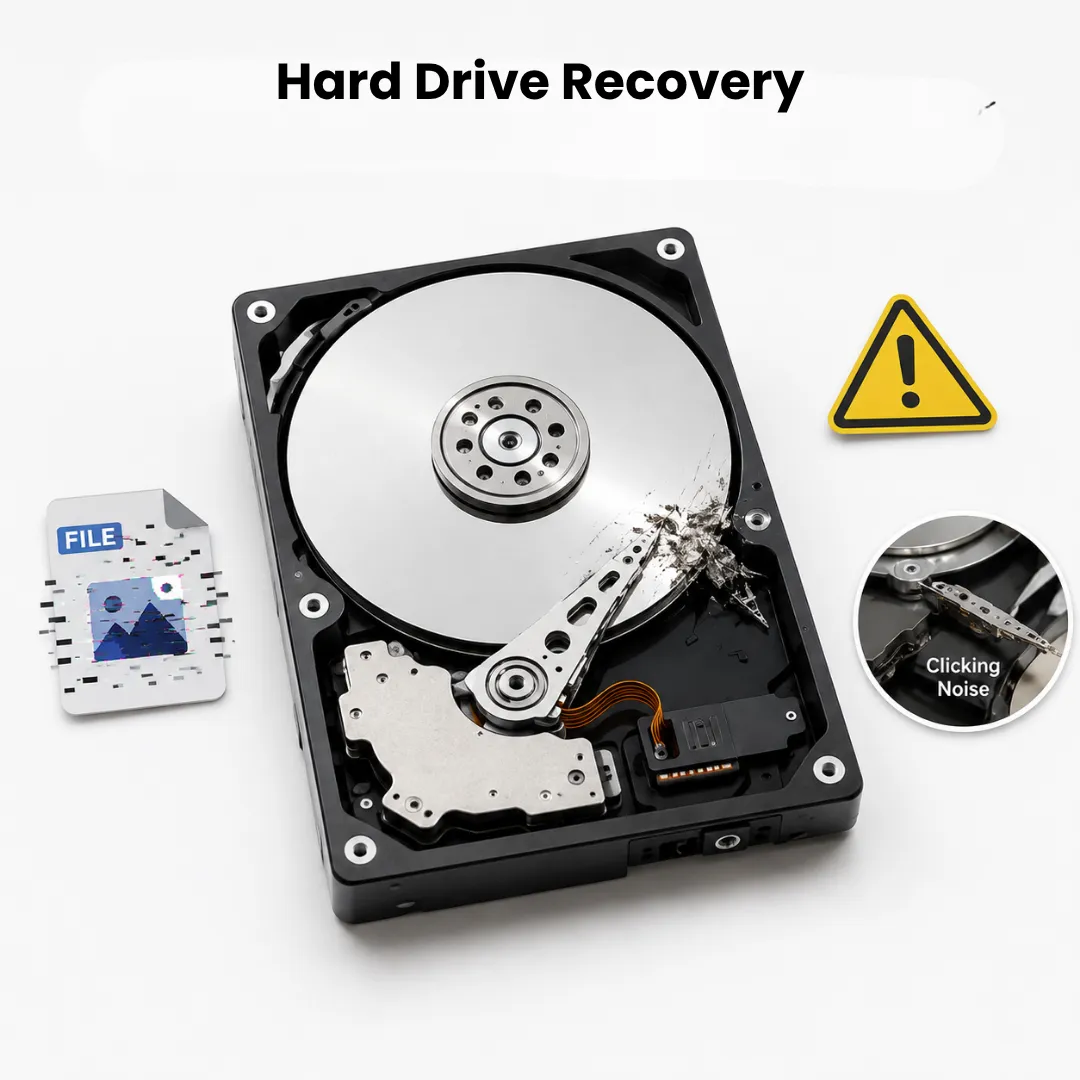
Traditional hard drives contain moving parts and can suffer logical, electronic or mechanical problems. Signs of trouble include clicking noises, very slow access, repeated disconnection, files that will not open, a drive that appears as unformatted, or a drive that is no longer detected.
A hard drive data recovery service should begin with careful diagnosis. Repeatedly powering a mechanically failing drive can sometimes make a problem worse, so unusual noises are a reason to stop and seek advice.
(Flash memory, no moving parts)
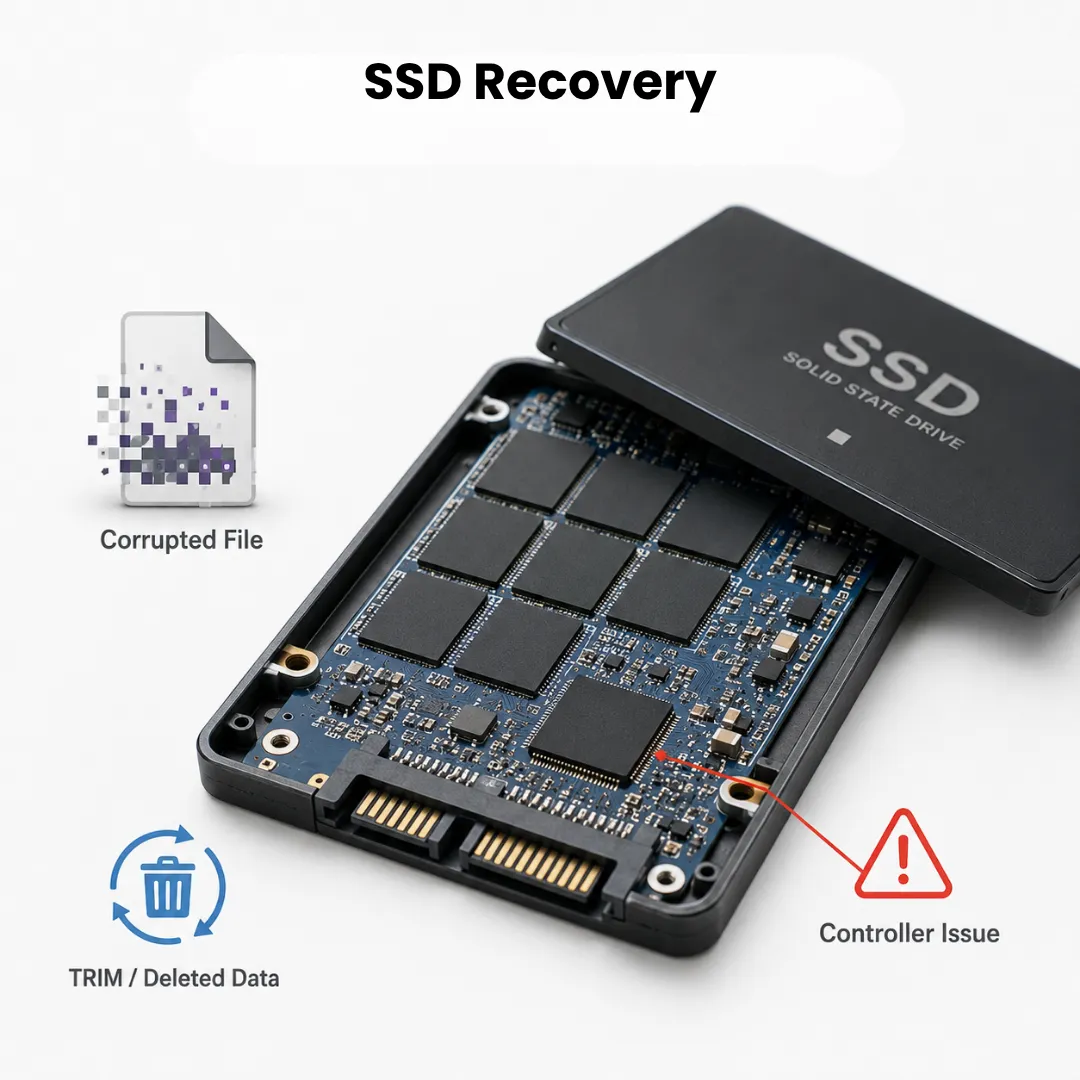
SSDs utilize background processes, such as TRIM, that can actively clear deleted data to maintain drive efficiency. So deleted files can be harder to recover than on a hard drive, especially after time has passed. An SSD that stops being detected entirely usually points to a controller or chip-level fault.
(Portable, more exposed to knocks)
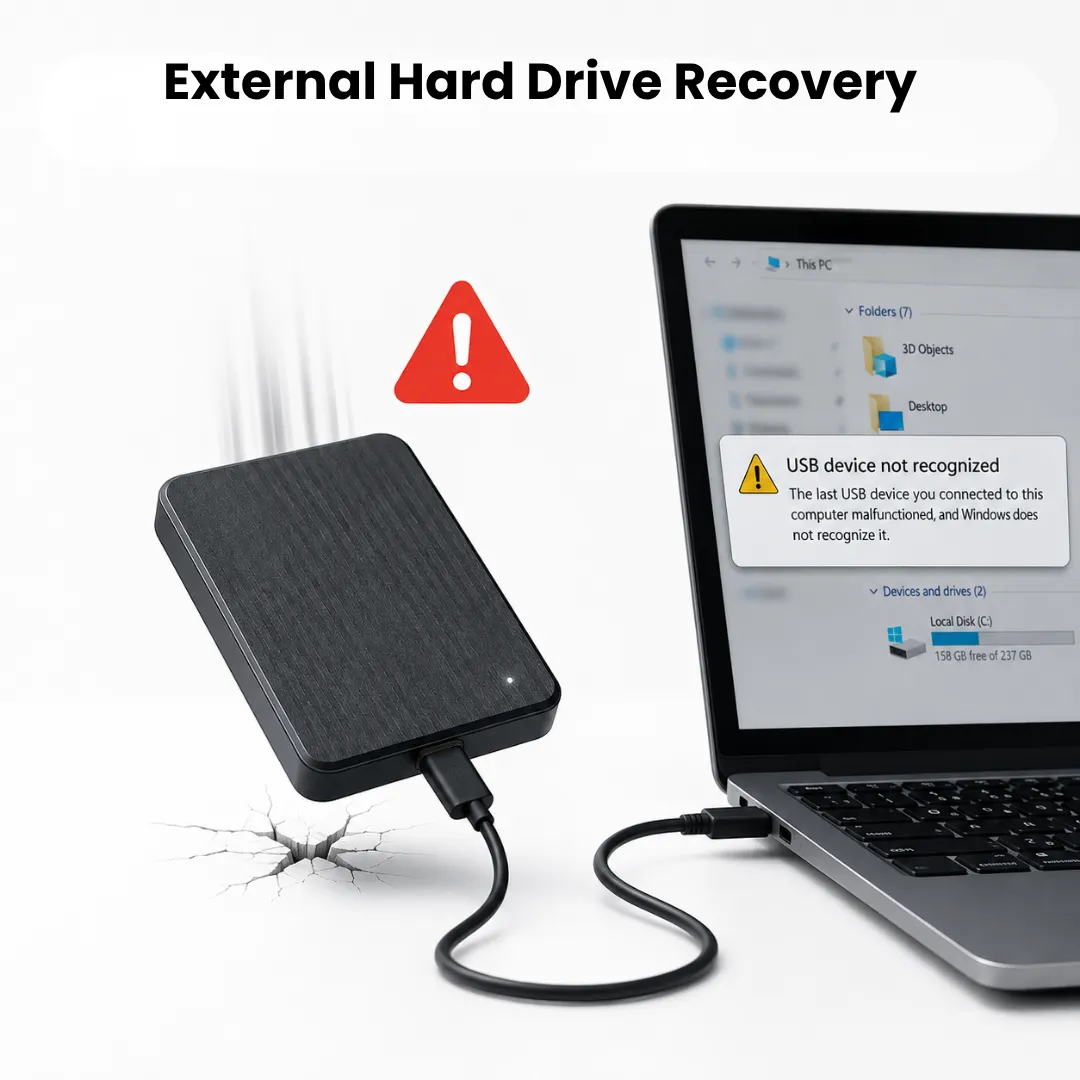
External drives can develop problems with the drive itself, the USB connection, power, the enclosure, or the file system. A drive that does not appear on one computer is not automatically beyond recovery; the cause needs to be identified first.
(Portable, more exposed to knocks)
External drives can develop problems with the drive itself, the USB connection, power, the enclosure, or the file system. A drive that does not appear on one computer is not automatically beyond recovery; the cause needs to be identified first.
(Bent connectors, interrupted writes)
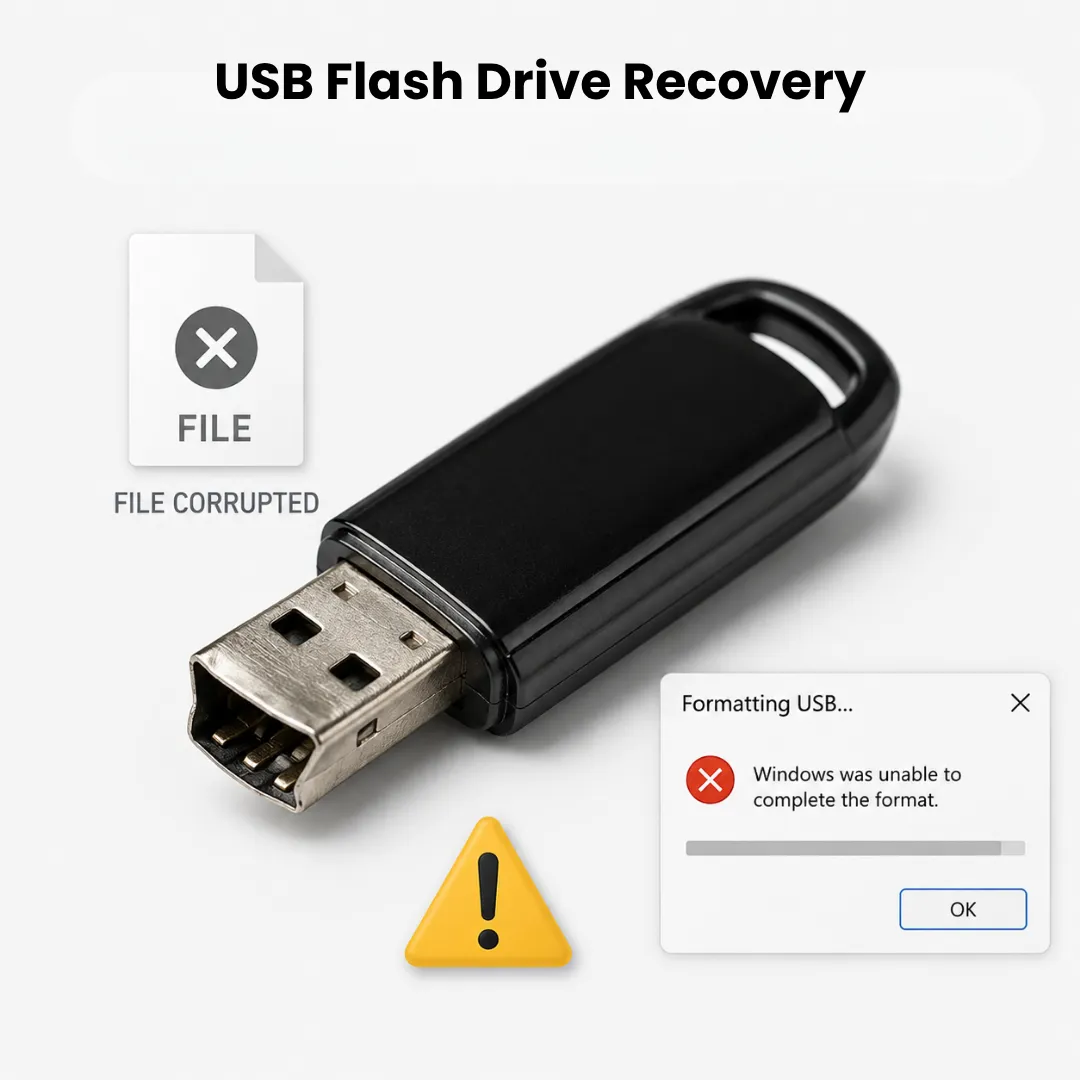
USB drives can become unreadable because of corruption, damaged connectors, electronic faults, accidental formatting or file deletion. If the device repeatedly disconnects or is physically damaged, avoid forcing the connector or continuing to write new data to it.
(Cameras, drones, and similar devices)
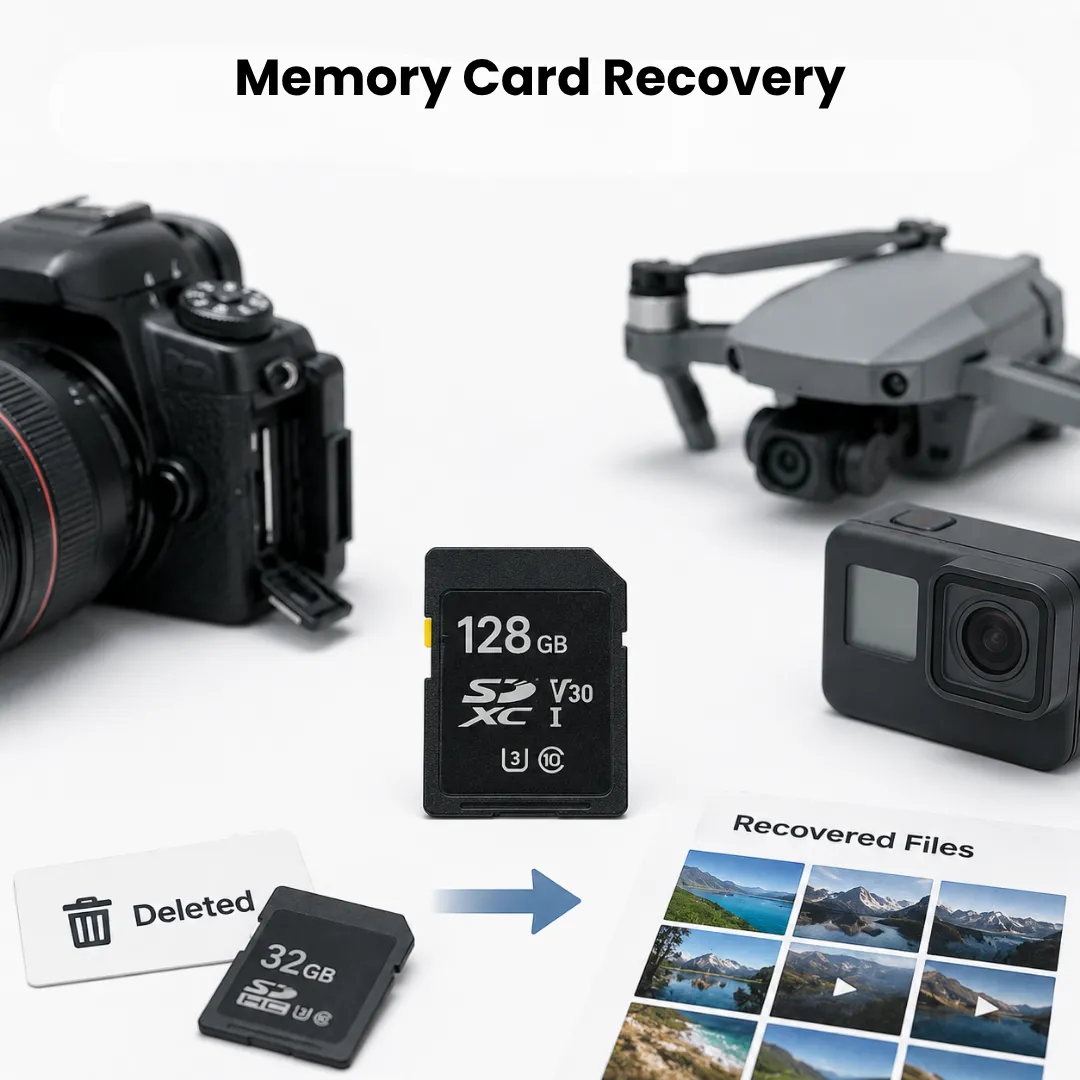
Photos and videos may disappear from SD and other memory cards after accidental deletion, formatting, camera errors or file-system corruption. Stop recording new content onto the card if the missing files matter.
(The computer failed, not necessarily the drive)
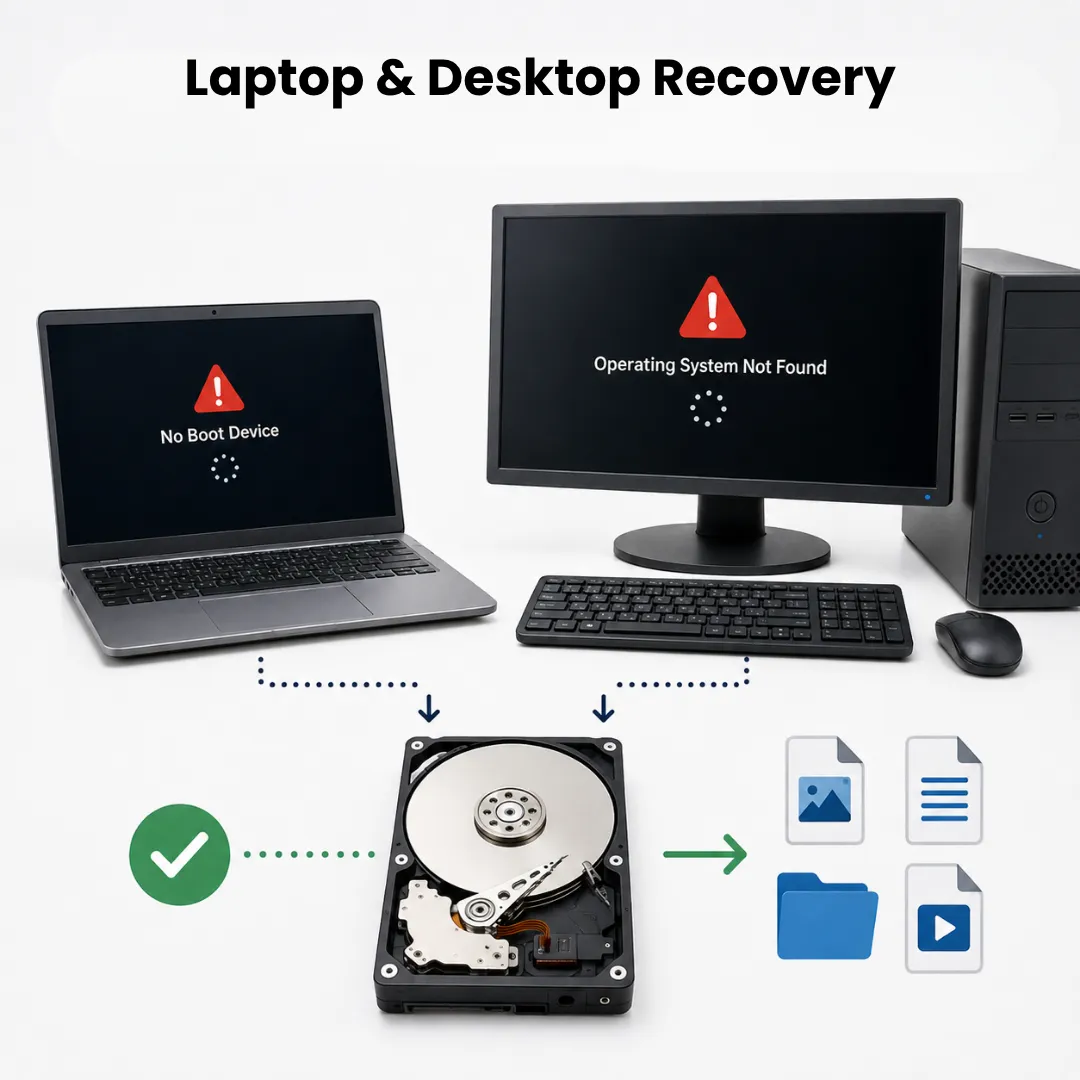
When a computer won’t turn on or won’t get past the startup screen, the drive inside may still be intact. Recovery often means accessing that drive separately before addressing what stopped the computer working.
A deleted file may remain recoverable until the storage space it occupied is reused. The most helpful action is often to stop writing new data to the affected drive.
Formatting changes the way the device organises its data. In some situations files may still be recoverable, but the result depends on the type of format and what has happened to the drive since.
A drive may stop working because of mechanical, electronic or logical problems. Clicking, repeated spin-up attempts, disappearing volumes or major slowdowns are signs that continued use may be risky.
Power, motherboard, operating system and storage problems can all make a computer appear to have lost its data. Diagnosis helps establish whether the files can be accessed without relying on the failed computer.
Windows or another operating system can fail to start while the storage device remains readable. In that situation, protecting the files may be more important than immediately reinstalling the operating system.
Files can be lost through deletion, formatting, software errors, failed updates, interrupted transfers or mistaken changes. The best next step depends on what happened and how valuable the missing data is.
Every case is different, but most jobs follow the same sequence.
01
You get in touch and describe what’s happened to your device and data.
02
An early look at the symptoms to understand the likely type of failure.
03
A closer inspection of the drive to identify exactly what’s wrong.
04
An explanation of what can realistically be attempted, and what it involves.
05
The recovery work itself, carried out based on the type of failure identified.
Data recovery specialists focus first on understanding the failure rather than immediately applying a generic repair. That matters because an incorrect recovery attempt can create a logical problem. And problem become more difficult or place extra stress on physically failing hardware.
Data recovery specialists bring a careful assessment before any attempt, technical understanding of how storage technologies fail, methods matched to the specific fault, awareness of data privacy, safe handling. And also an honest advice including when a DIY approach might genuinely be enough.
Thor Computer provides data recovery support for home users, students, professionals and businesses across London and nearby areas. This includes customers in Central, North, South, East and West London, as well as Greater London and surrounding areas that can genuinely be served.
If you are searching for data recovery in London, hard drive recovery in London or “data recovery near me”, the important question is not just distance. You also need clear advice about whether the device should still be powered on, what may have caused the loss and whether previous attempts could affect recovery.
Nearby customers, including those in relevant surrounding parts of Kent, can contact Thor Computer to discuss the device and symptoms first. No separate branch or physical data recovery facility is claimed here.


 Trustindex verifies that the original source of the review is Google.
 Trustindex verifies that the original source of the review is Google.
 Trustindex verifies that the original source of the review is Google.
 Trustindex verifies that the original source of the review is Google.
 Trustindex verifies that the original source of the review is Google.
 Trustindex verifies that the original source of the review is Google.
 Trustindex verifies that the original source of the review is Google.
 Trustindex verifies that the original source of the review is Google.

 Trustindex verifies that the original source of the review is Google.
 Trustindex verifies that the original source of the review is Google.
Data recovery is the process of trying to retrieve files that have become lost or inaccessible. This may be needed after deletion, formatting, corruption, computer failure or a storage device problem.
Sometimes. Deleted files may remain recoverable until their storage space is overwritten. Stop using the affected drive where possible and avoid saving new data to it.
Recovery may be possible depending on the type and severity of the failure. Logical corruption, electronic problems and mechanical failure require different approaches.
It may be possible, but SSD recovery can differ from traditional hard drive recovery. SSDs manage deleted data in ways that can reduce the chance of recovery after files are removed or overwritten.
Sometimes. The result depends on the type of format, the storage technology and whether new data has been written to the device afterwards.
There is no single turnaround time. Device condition, the type of failure, diagnostic requirements, recovery complexity and the amount of data all affect the timescale.
The cost depends on the specific case. Device type, failure, physical or logical damage and the amount of work required can all change the price, so an assessment may be needed first.
Yes, especially if it is clicking, disappearing, extremely slow or repeatedly failing to start. Continued use can increase risk when a drive has a mechanical or unstable hardware problem.
Potentially. A laptop can fail while its storage remains readable, or the storage itself may be the cause. Diagnosis helps identify which part of the system is preventing access to the files.
Often there are options worth assessing. The problem may involve the connection, enclosure, file system, electronics or the drive itself. The safest recovery method depends on the cause.