
Water damage is one of the most common issues MacBook users face. Whether it’s a spilled drink or an unexpected rain shower, water damage can seriously harm your MacBook if not addressed quickly. However, it’s not always the end of the road for your device. Quick action and proper repair can significantly reduce the chances of permanent damage.
The first thing you need to do if water spills on your MacBook is turn it off immediately. This is crucial to prevent further damage. Gently dry the exterior with a lint-free cloth and ensure that it drains properly by placing the MacBook in an upside-down V-shape. Leave it to dry for at least 24-48 hours.
However, if the water damage persists or you notice issues like unresponsive keys or a black screen, it’s time to seek professional help for MacBook water damage repair.
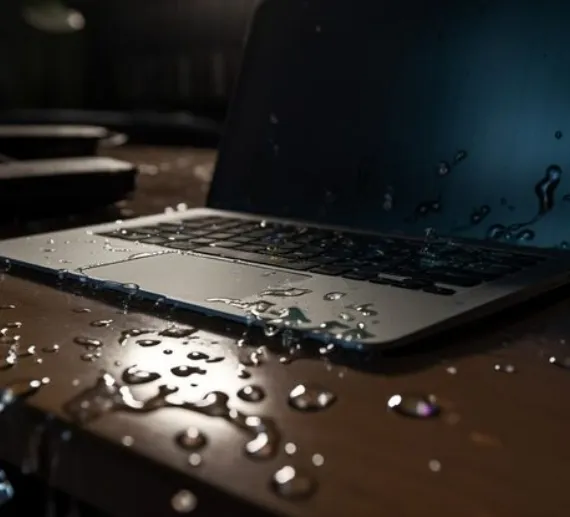
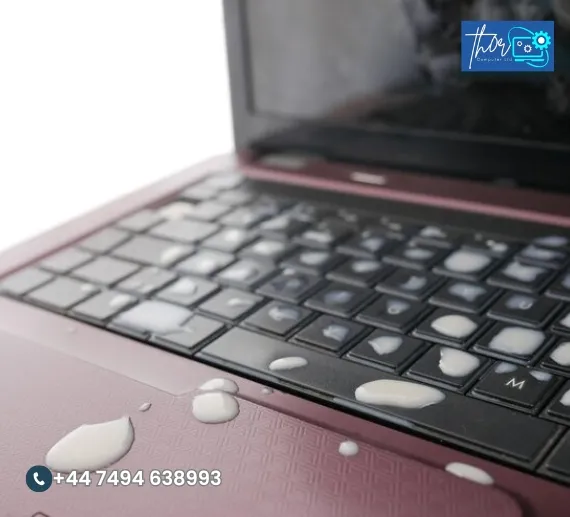
Water damage is not always immediately visible. Here are some common signs of MacBook water damage that you should watch for:
Keyboard Malfunctions: Unresponsive or stuck keys are a clear indication of water damage. In severe cases, the entire keyboard may fail to work.
Screen Issues: If your MacBook’s screen is flickering, showing lines, or is completely black, this could be a result of liquid exposure.
Battery Drain: Water can short-circuit the battery, causing it to drain quickly or not charge properly.
Random Shutdowns: If your MacBook randomly shuts down or won’t power on, water could have damaged the motherboard or internal components.
If you notice any of these signs, it’s time to consult with a MacBook repair expert to evaluate the situation.
EXCELLENTTrustindex verifies that the original source of the review is Google. My son broke the screen of my Dell laptop and I was so worried what to do and I found Mike. Spoke to him told him my problem he immediately send me the quotation, which I liked and he said he will repair it the same day in my home. So I don't have to go anywhere and he fixed the issue in few hours. Wow! I have never seen such quick service before. Amazing person with amazing professional skills. For sure will recommend him to all my friends and for my future needs. Thanks for the quick service.Posted onTrustindex verifies that the original source of the review is Google. Absolutely stoked with Thor! Michael replaced my Dell laptop screen for 70% less than dell quoted me, which is awesome. But he's also extremely nice, knowledgeable, friendly and has a really fast turnaround time. It was a bonus to be able to see what he was doing and see inside a laptop for the first time. I hope I don't break anymore computers, but if I do I will be back to thorPosted onTrustindex verifies that the original source of the review is Google. Great excellent service from Mike many thanks Dint think the IT Engineer could get past BICKPASWORD Great service Many thanks again would definitely use them again regards Martin ...Posted onTrustindex verifies that the original source of the review is Google. Mark attended a classic untenable failure with my printer. Kind polite, liked his coffee black, blue magic dust on the printer, and having covered it with a cloth said some magic words, and it worked. Not sure what he did, but he certainly got it going again. Excellent work. ThanksPosted onTrustindex verifies that the original source of the review is Google. I had a bent back case with a broken screen and I called the best PC and laptop mechanic who recommended what parts to buy for my gaming laptop and with a lot of patience he fixed it for me. Call with confidence. I recommend it very well 🙏 and I am satisfied with his service..Posted onTrustindex verifies that the original source of the review is Google. Mike is a first class and very experienced engineer. He resolved a hardware issue on my Dell laptop that has been ongoing for months. I will definitely keep his number and use him again.Posted onTrustindex verifies that the original source of the review is Google. I was in a very difficult situation after losing all my data, including critical and irreplaceable files. Mike did an outstanding job recovering everything. He also repaired my laptop, which now works perfectly, like a brand new one. Professional, trustworthy, and highly skilled. I can’t recommend him enough.Posted onTrustindex verifies that the original source of the review is Google. Very happy! Mike will come to your place of work and fix on-site. Great knowledge and skills and really good guy. Fast turnaround - goes above and beyond. Couldn’t be happier, thanks.Posted onTrustindex verifies that the original source of the review is Google. Mike is really friendly and professional. I had a cracked screen on my laptop and Mike came to our house and fixed it. Firstly I had to send Mike the cost of the replacement screen beforehand by 'sum up' which I was dubious about, but I discussed it with my husband and we decided it was a risk with taking. Anyway, there was no risk involved at all because Mike stood by his word and came to our house to complete the job once the replacement screen was delivered to him. He was very efficient and polite. I will use him again without a doubt. Strongly recommend. Great business model. He's very good at what he does. Thank you Mike.
We provide high quality computer laptop repair services to ensure your devices are up and running efficiently. Below are some of the most frequently asked questions.
Typically, repairs are completed within 1-2 days. The time depends on the severity of the damage and parts availability.
While simple fixes might be possible, it’s always best to consult a professional technician for keyboard repairs, especially if water is involved.
If your screen isn’t working after a spill, contact us for MacBook screen replacement. Water damage can often cause permanent damage to the display.
Water damage is typically not covered by Apple’s warranty. However, ThorComputer offers affordable repair options to get your MacBook working again.
Yes, using a waterproof MacBook sleeve, keeping drinks away from your device, and investing in a water-resistant MacBook bag can help prevent future accidents.